
Finding the right tools to tackle projects or daily tasks can feel overwhelming with so many choices on the market. Some options promise simplicity and speed, while others offer deep customization and powerful features. Whether you want a visual way to manage your workload, automation for repeated routines, or advanced planning with calendars and mind maps, there is a solution designed to match nearly any style of working. Ready to see which approach fits your needs best and might surprise you with unexpected benefits
Table of Contents
TaskQuadrant
At a Glance
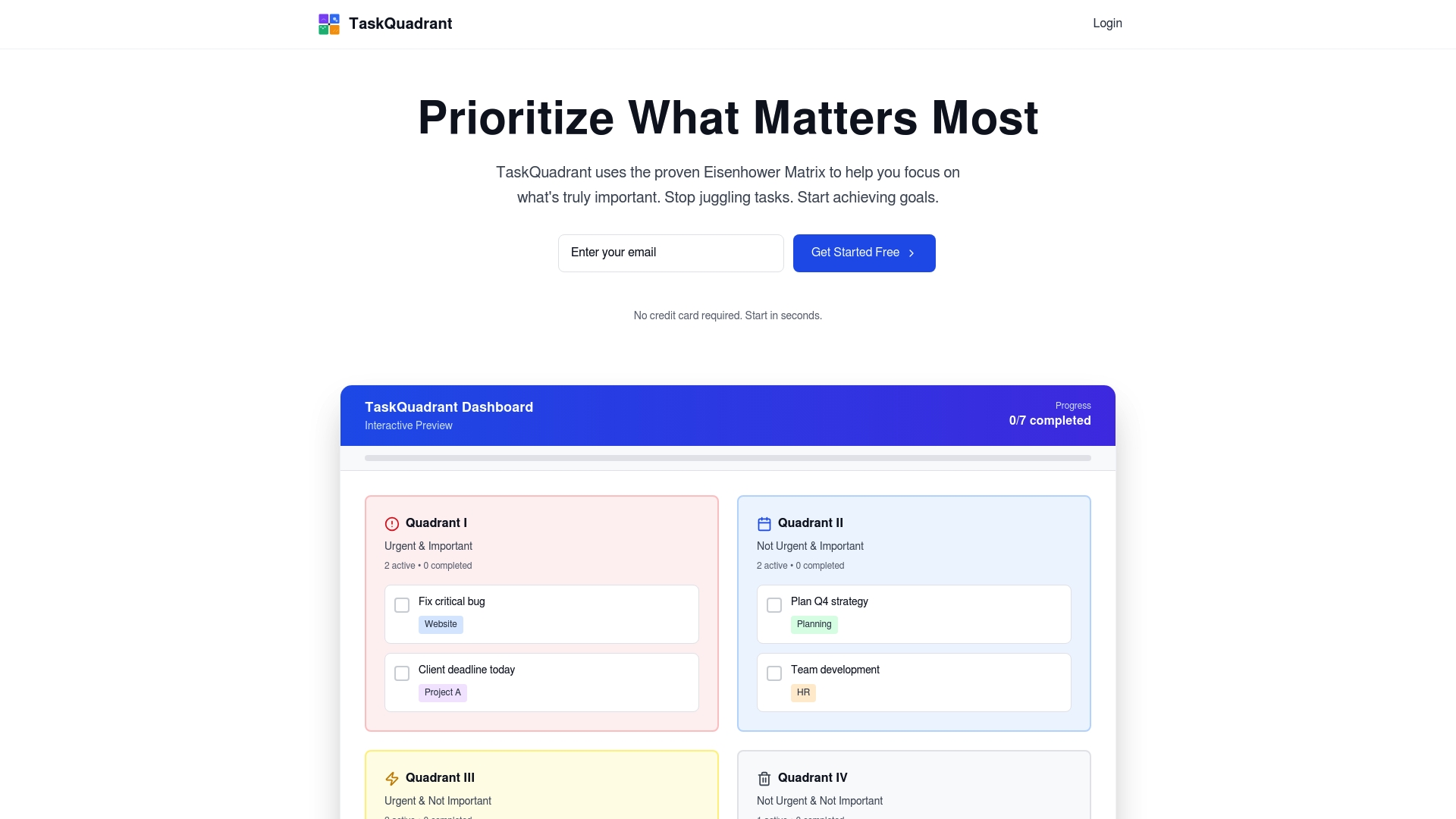
TaskQuadrant is a focused task management platform that applies the Eisenhower Matrix to turn overwhelm into clear priorities. It combines visual dashboards, mind maps, and Gantt charts into a single, low-friction workspace so you can prioritize, plan, and execute without a complex setup. The result is a tool aimed squarely at professionals and teams who need fast onboarding, reliable automation, and visual clarity to reduce decision fatigue.
Core Features
TaskQuadrant centers around four core capabilities: Eisenhower-matrix prioritization, interactive visual dashboards, mind maps that convert into actionable projects and tasks, and timeline visualization via Gantt charts. It includes recurring-task automation and the ability to export and share reports in PNG and PDF formats. Project templates and collaboration tools round out the offering, making the platform useful for both solo contributors and growing teams.
Pros
- Rapid onboarding and no complex setup: You can start organizing tasks immediately without lengthy configuration, which saves time and reduces friction for busy teams.
- Visual and intuitive interface: Dashboards, color-coded quadrants, and mind maps make priorities obvious at a glance, helping you see what matters without scrolling through lists.
- Multiple planning tools in one place: With mind maps, automatic conversion to projects, and Gantt charts, you can brainstorm, plan timelines, and track progress without switching apps.
- Automation with recurring tasks: Built-in recurring-task support automates routine workflows so your team spends less time recreating repetitive items.
- Flexible plans for individuals and teams: Tiered pricing accommodates solo professionals who need a free or low-cost option and teams that require more advanced features.
Who It’s For
TaskQuadrant is ideal for professionals, project managers, and teams who want a straightforward, visual approach to prioritization and project planning. If you lead campaigns, coordinate recurring routines like standups and reviews, or need a quick way to turn brainstorming into an organized plan, TaskQuadrant fits naturally into your workflow. It’s especially valuable for users who value clarity and speed over feature overload.
Unique Value Proposition
TaskQuadrant’s real advantage is the combination of the Eisenhower Matrix with mind-map-driven project creation and visual dashboards—an uncommon blend that turns strategic thinking into execution. Rather than forcing indirect prioritization or buried labels, TaskQuadrant places urgency and importance front and center, then lets you sketch ideas in a mind map and instantly convert them into tasks and project timelines. This reduces decision friction and shortens the loop from idea to deliverable. The platform also emphasizes simplicity: quick onboarding, minimal setup, and direct exports (PNG/PDF) mean stakeholders get clear reports fast. For teams that need both high-level prioritization and detailed timelines, TaskQuadrant replaces the need to patch together multiple specialized apps, delivering a cohesive workflow that saves time and keeps focus.
Real World Use Case
A marketing team uses TaskQuadrant to brainstorm campaign concepts in mind maps, convert selected ideas into projects, prioritize tasks with the Eisenhower quadrants, and then schedule milestones with Gantt charts. Recurring tasks automate weekly standups and review notes, while PNG/PDF exports provide polished status summaries for stakeholders.
Pricing
Free plan available with limited features; Pro plan at $4.99 per month; Enterprise plan at $9.99 per month.
Website
Website: https://taskquadrant.io
Todoist

At a Glance
Todoist is a lightweight, widely adopted to-do list app trusted by more than 50 million professionals for personal and team productivity. It excels at fast task capture via natural language, clear Today and Upcoming views, and straightforward team collaboration. The app balances simplicity with power, but advanced customization and full feature access are gated behind paid plans. If you want a dependable, long-term task hub that won’t overwhelm new users, Todoist delivers — with trade-offs for power users.
Core Features
Todoist’s core capabilities center on rapid task entry and flexible organization: natural language task input, Today and Upcoming views for short- and mid-term planning, custom filters to surface priority tasks, scheduling with due dates and calendar visualization, and recurring task management to automate routine work. The platform also supports team workflows, template reuse, and enterprise-grade security, which positions it as both a personal planner and a lightweight team workspace.
Quick note.
Pros
- Fast task capture with natural language: Typing “Submit report tomorrow at 9am” turns into a scheduled task instantly, which cuts friction when ideas strike.
- Clear planning views and filters: Today and Upcoming screens plus custom filters let you focus on what matters now without losing sight of longer-term work.
- Team collaboration and shared workspaces: Shared projects and templates make onboarding teammates and standardizing processes straightforward and repeatable.
- Enterprise-grade security and compliance: Organizations get security controls suitable for professional use, which helps when handling sensitive workflows.
- Broad templates and integrations: A variety of ready-made templates and integrations reduce setup time and help you adapt Todoist to common workflows quickly.
Cons
- Pricing can block feature parity: Several advanced capabilities are available only on paid tiers, which means free users may quickly hit limits.
- Paid plans required for team features: To unlock full team collaboration and management features, you need a Pro or Business subscription billed per user.
- Advanced customization has a learning curve: Power users who want deep filters, automation, or complex recurring rules will face setup time and configuration decisions.
Who It’s For
Todoist fits individuals and teams that want a dependable, easy-to-adopt task manager rather than a heavyweight project management suite. It works best for professionals who prioritize fast capture, recurring task automation, and simple collaboration across small to medium teams.
Unique Value Proposition
Todoist’s strength is its blend of speed and clarity: natural language input plus concise planning views make capturing and scheduling tasks almost instantaneous. Combined with templates and enterprise security, it becomes a practical single-pane solution for both personal productivity and light team coordination.
Real World Use Case
A group of project managers uses Todoist to share project templates, assign recurring pre-launch checklists, and track milestone due dates in Upcoming views. Automation of repeating tasks reduces manual follow-up and keeps onboarding consistent for new members.
Pricing
A Free plan offers basic features; paid plans begin at $5 per user/month for Pro and $8 per user/month for Business when billed yearly, with monthly billing options also available.
Website: https://todoist.com
ClickUp
At a Glance
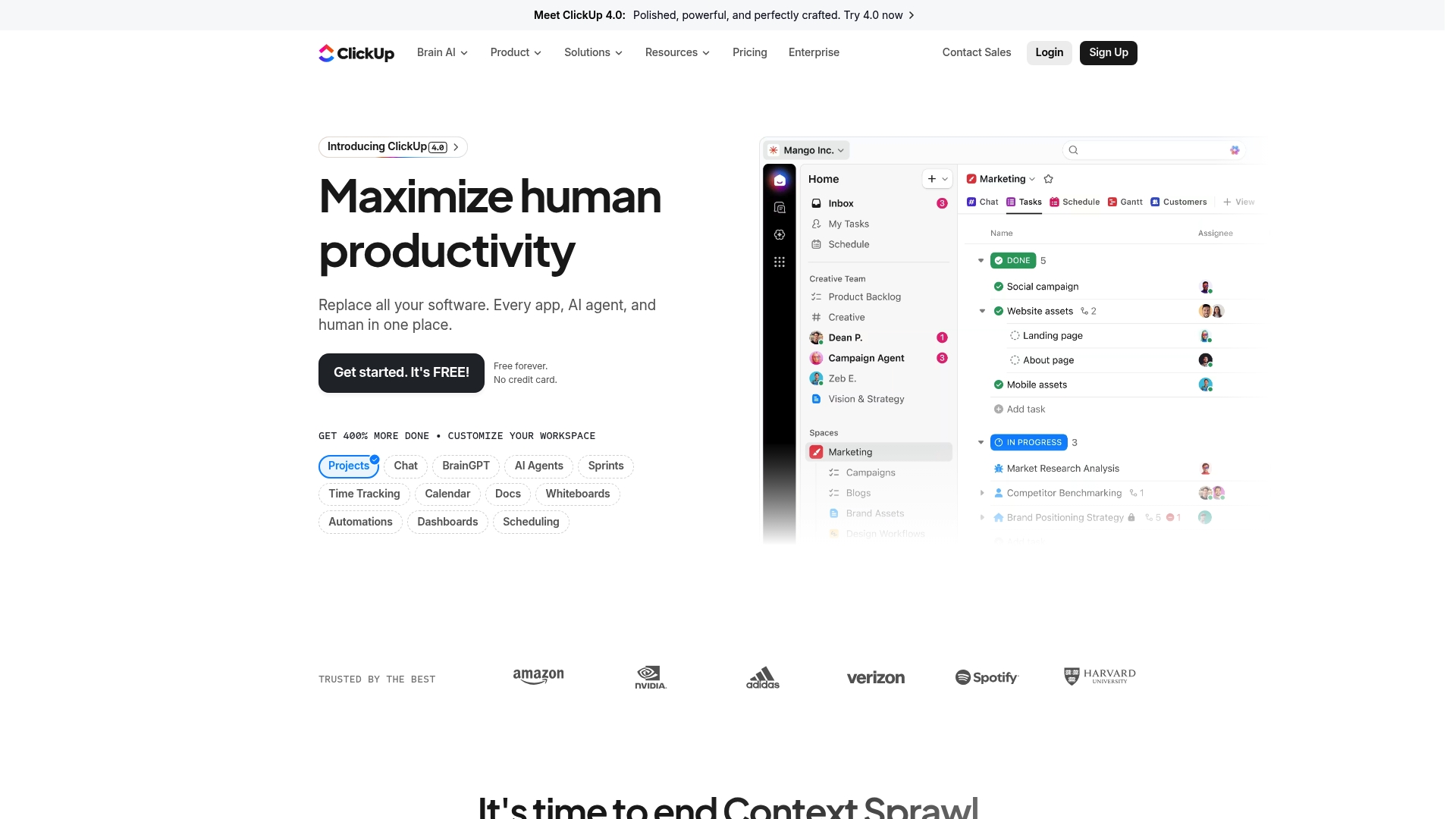
ClickUp is a comprehensive productivity platform that consolidates project management, AI assistance, and collaboration tools into a single workspace. It aims to reduce app switching by bringing Docs, whiteboards, calendars, time tracking, automations, and dashboards under one roof. There’s a generous Free Forever tier, and paid plans start affordably, but the breadth of features can feel overwhelming at first. Bottom line: powerful and flexible, best for teams willing to invest time in setup and adoption.
Core Features
ClickUp’s core capabilities focus on end-to-end work management: project and task tracking with multiple views, built-in time tracking, calendars and scheduling, collaborative Docs and whiteboards, plus automations and dashboards for reporting and workflow optimization. The platform also integrates AI-powered assistance—branded tools help generate content, suggest automations, and speed routine work. In short, ClickUp packs planning, execution, and analysis tools into one ecosystem designed to replace several single-purpose apps.
Pros
- All-in-one platform replacing multiple apps: ClickUp centralizes tasks, docs, and tracking so you can cut down on app context switching and consolidate vendor contracts.
- Wide range of features and integrations: From calendars to Gantt-style views and dashboards, ClickUp supports diverse workflows across teams and connects with common tools your organization already uses.
- AI-powered tools like Brain for automation and assistance: Built-in AI features accelerate drafting, task generation, and routine automation, saving time on repetitive work.
- Free forever option available: The Free Forever tier gives teams meaningful access to core features so you can evaluate the platform without upfront cost.
- Trusted by over 10 million teams: A large user base indicates mature feature sets and continuous investment in the product.
Cons
- Can be overwhelming with the number of features for new users: The interface and options can create decision fatigue during initial setup, requiring a deliberate onboarding plan.
- Pricing can be high for large teams on the enterprise plan: While individual paid tiers start affordably, enterprise-level customization and scale drive costs upward for bigger organizations.
- Some features may require a steep learning curve: Advanced automations, reporting, and custom workflows take time to master and may need a dedicated admin or champion.
Who It’s For
ClickUp is best for teams and organizations of various sizes that want a unified platform to streamline work, automate tasks, and improve productivity. If your group juggles multiple tools, manages cross-functional projects, or needs robust reporting and AI assistance, ClickUp scales from solo contributors to enterprise teams—provided you allocate time for configuration and training.
Unique Value Proposition
ClickUp’s strongest proposition is consolidation: it combines planning, documentation, automation, and AI-driven assistance into one extensible workspace. That unified approach reduces friction from tool sprawl and enables teams to build consistent processes and measurable dashboards without stitching many apps together.
Real World Use Case
A marketing team uses ClickUp to coordinate campaigns by managing content calendars, assigning tasks, tracking deadlines, collaborating in Docs, and automating handoffs between design and publishing—keeping everything visible in one environment to reduce missed deadlines and repetitive status meetings.
Pricing
Free forever with optional paid plans starting at $7 per user per month (billed annually) and custom enterprise solutions available for larger organizations.
Website: https://clickup.com
Asana
At a Glance
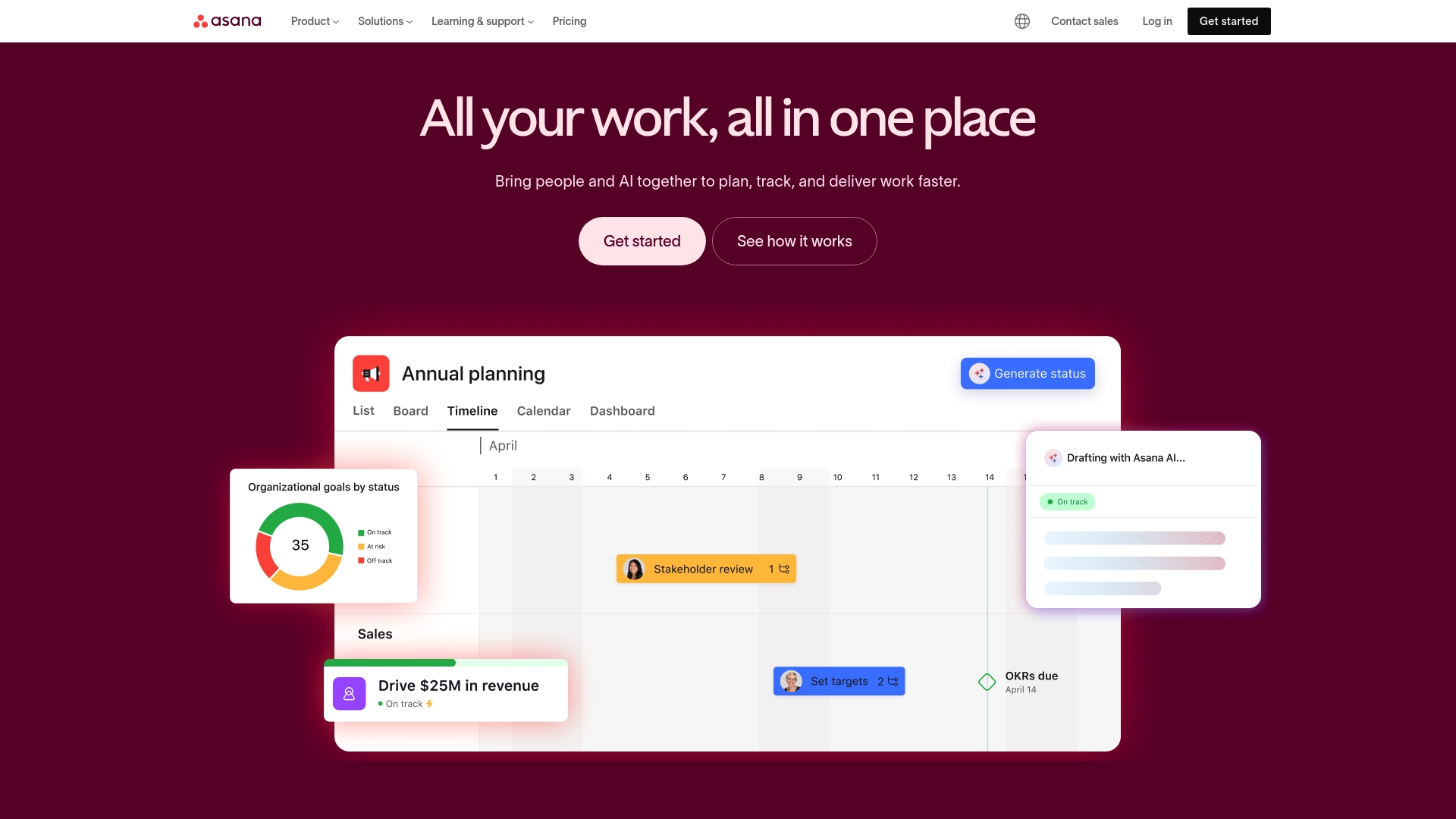
Asana is a mature work management platform that helps teams organize, track, and manage work with clarity and accountability. It combines list, board, and calendar views with automation, goal tracking, resource planning, and advanced reporting to support teams from startup scrums to enterprise programs. The interface is approachable and customizable, but advanced capabilities can create a learning curve and higher cost for large organizations. Bottom line: powerful and versatile, best for teams that need enterprise-grade features and broad integrations.
Core Features
Asana’s core capabilities center on flexible task and project management across list, board, and calendar views, plus workflow automation to reduce routine work. Goal tracking and organizational planning help align work to strategy, while resource management and capacity planning guide who does what and when. Advanced reporting and dashboards surface progress and bottlenecks, and a large integration ecosystem connects Asana to many other tools your team already uses.
Short. Practical.
Pros
- Comprehensive work management features tailored for teams of all sizes: Asana provides structured task lists, Kanban-style boards, and calendar views that support both day-to-day work and longer initiatives.
- Strong integration ecosystem with over 300 apps: You can link Asana to communication, file storage, and developer tools, keeping work centralized across platforms.
- User-friendly interface and customizable workflows: The layout and templates let teams adopt workflows quickly and adapt fields, rules, and sections to match existing processes.
- Supports goal alignment and strategic planning within teams: Built-in goal tracking helps translate high-level objectives into measurable work and milestones.
- Enterprise-grade security and compliance features: For larger organizations, Asana offers controls and safeguards needed for governance and data protection.
Cons
- Pricing can be high for larger teams or enterprise features: Per-user fees and tiered plans mean costs can escalate as you add users or need advanced capabilities.
- Some advanced features require steep learning curve: Automation, resource planning, and custom reporting take time to configure effectively and may need administrator expertise.
- Features may be too complex for very small or personal use: Solo users or tiny teams may find the breadth of features unnecessary and prefer a simpler tool.
- Dependence on internet connectivity for real-time updates: Because Asana is cloud-based, offline or intermittent connections reduce functionality and can interrupt workflows.
Who It’s For
Asana fits teams of all sizes that want a cloud-based, scalable work management system with strong collaboration and reporting tools. It’s especially useful if you need integrations with other enterprise applications, centralized goal tracking, and the ability to automate repetitive workflows. If you value structure and control over simplicity, Asana will likely meet your needs.
Unique Value Proposition
Asana’s strength lies in combining flexible task views, organizational goal tracking, and a robust automation layer within a single platform. That blend makes it easier to move from high-level strategy to day-to-day execution without stitching together multiple point solutions.
Real World Use Case
A marketing team uses Asana to coordinate campaigns: they create project templates for content production, assign tasks with deadlines, automate approval steps, and monitor campaign health via dashboards to keep launches on schedule.
Pricing
Free for basic features; paid plans start at $10.99 per user/month for the Starter plan, $24.99 per user/month for the Business plan, with custom pricing available for enterprise requirements.
Website: https://asana.com
Trello
At a Glance
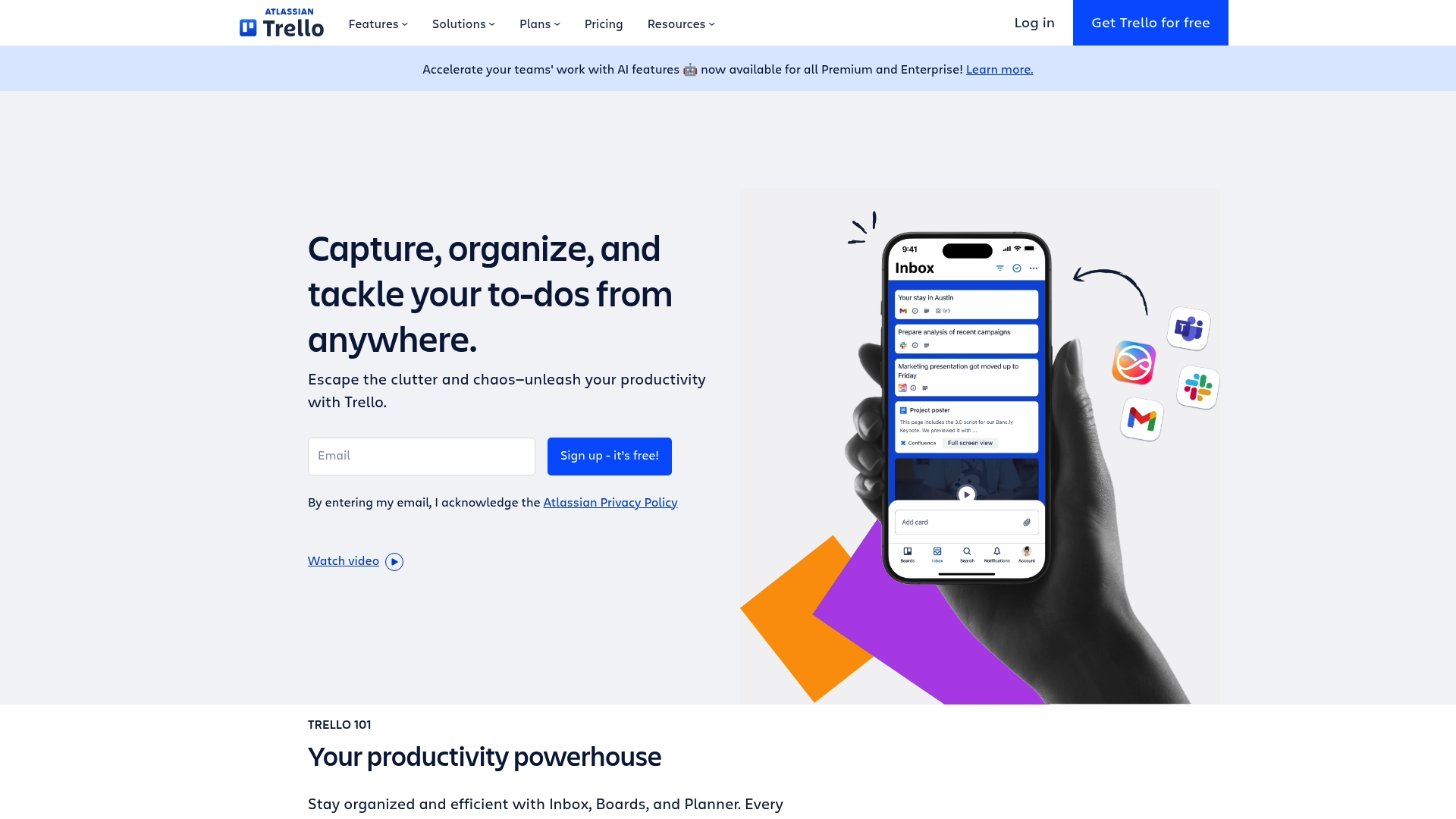
Trello is a visually driven task and project organizer that makes it easy for teams and individuals to manage work with minimal setup. Its board-and-card model is intuitive, which speeds onboarding and keeps daily workflows visible at a glance. Automation and integrations extend its usefulness beyond simple checklists, but teams with heavier storage or advanced needs may need paid plans. Overall, Trello is excellent for teams that value visual clarity and straightforward collaboration.
Core Features
Trello centers on visual boards and cards for task and project management, letting you map workflows in a familiar Kanban-style layout. It supports automation of repetitive tasks, templates for common project types, activity logs and notifications, and collaboration tools such as comments and attachments. Power-Ups enable integrations with other apps and tools to centralize work, while templates and simple signup help teams get started quickly.
Pros
- User-friendly and visually intuitive interface: The board-and-card layout reduces friction for new users and keeps priorities visible without heavy configuration.
- Flexible plans for different team sizes and needs: A free tier and tiered paid options let individuals and growing teams pick the plan that fits their budget and feature needs.
- Wide range of integrations and automation options: Power-Ups and built-in automation let you connect other tools and automate routine actions, saving time on repetitive work.
- Supports remote and hybrid work arrangements: Activity logs, notifications, and collaboration features make it easy for distributed teams to stay aligned and exchange context.
- Strong security and administrative controls: Enterprise-oriented controls and admin features help teams maintain governance as they scale across departments.
Cons
- Some advanced features require paid plans: Key capabilities such as higher-power automation, advanced admin controls, or extended Power-Up use may be gated behind paid tiers, which could impact adoption for budget-conscious teams.
- Limited storage on lower-tier plans: Storage limits on entry-level plans can force teams to upgrade or manage attachments externally to avoid hitting caps.
- Can become cluttered with many boards and cards if not managed well: Without disciplined board hygiene or naming conventions, visual boards can grow chaotic and undermine clarity rather than enhance it.
Who It’s For
Trello is ideal for teams and individuals who want an easy-to-use, visual collaboration platform to organize tasks and projects across roles and functions. It fits small teams, marketing groups, content creators, freelancers, and departments in larger organizations that prefer lightweight workflows and rapid adoption over heavy process enforcement.
Unique Value Proposition
Trello’s unique value lies in its simplicity and visual clarity: it converts complex project activity into boards you can scan at a glance, while offering enough automation and integration to scale workflows without losing the straightforward experience that teams appreciate.
Real World Use Case
A marketing team uses Trello to plan campaigns, track content production, and collaborate across departments. They apply templates for recurring campaign setups, use Power-Ups to link assets, and automate status updates so handoffs occur smoothly between writers, designers, and managers.
Pricing
Free plan available; paid plans start at $5/user/month for Standard, $10/user/month for Premium, and custom pricing for Enterprise.
Website: https://trello.com
Monday.com
At a Glance
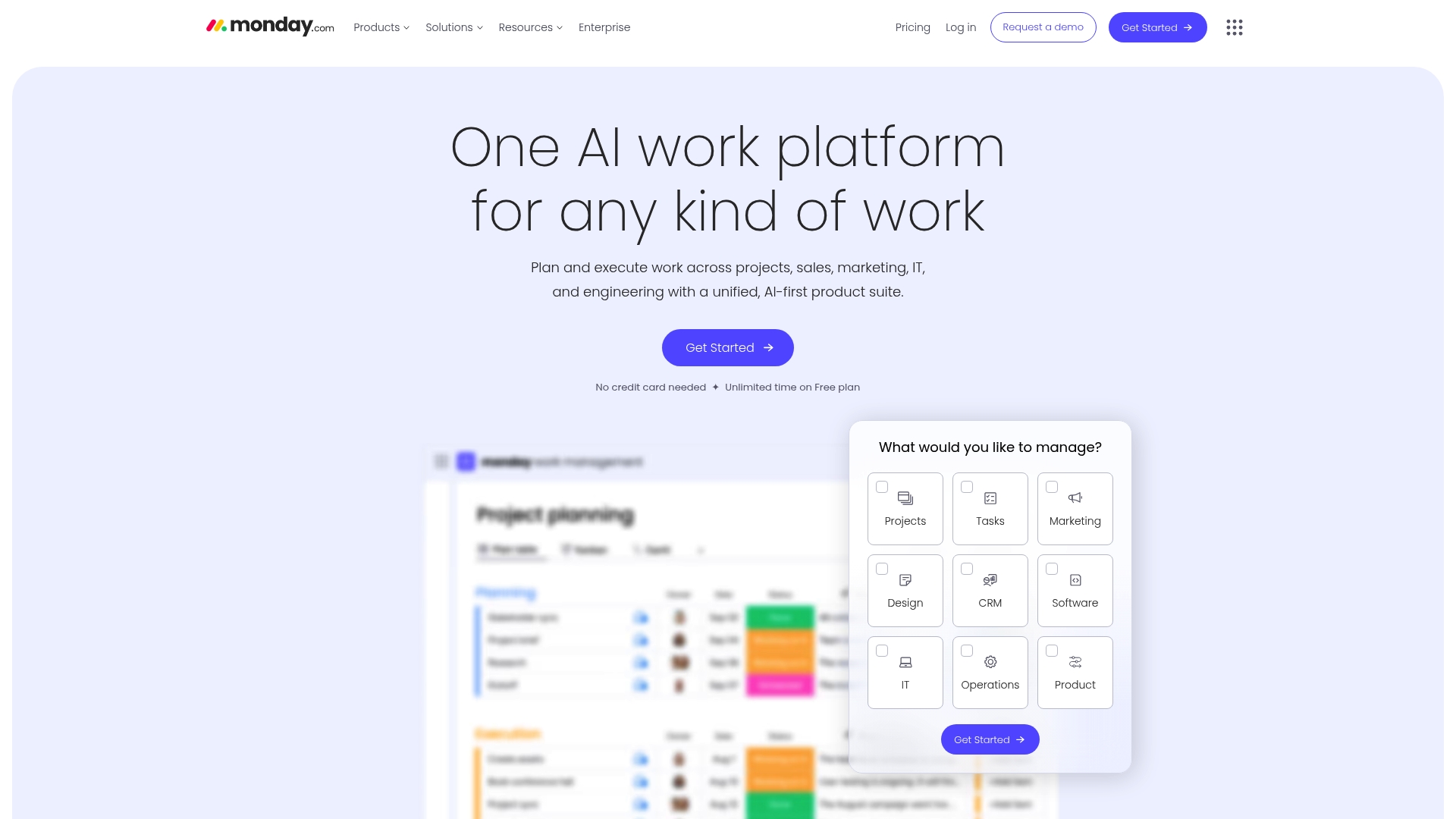
Monday.com is an AI-powered work platform that centralizes project management, CRM, development workflows, and service operations in one place. It emphasizes customizable workflows, automation, and AI-driven insights to reduce manual work and surface project risks. Trusted by over 60% of the Fortune 500, it scales from departmental teams to enterprise portfolios. If you need a single platform to unite varied teams and data, Monday.com is a strong contender.
Core Features
Monday.com consolidates work management for diverse use cases: project and portfolio oversight, CRM tracking, development lifecycle coordination, and service management with automation. The platform layers AI-powered risk detection and analytics on top of customizable workflows, so teams can automate routine actions and surface insights without building complex integrations from scratch. Integrations and templates speed onboarding, while automation rules and AI insights aim to keep teams focused on outcomes rather than status updates.
Pros
- Highly customizable workflows: You can tailor boards, automations, and templates to match complex processes rather than forcing teams to adapt to rigid structures.
- AI capabilities for automation and insights: Built-in AI assists with risk detection and project analytics, helping teams catch issues earlier and prioritize work more effectively.
- Broad range of integrations and features: The platform supports cross-functional workflows by connecting CRM, development, and service processes within one environment.
- Suitable for enterprise-scale organizations: Monday.com’s feature set and scale make it a practical choice for larger organizations managing multiple portfolios.
- User-friendly interface with extensive templates: The interface and prebuilt templates reduce onboarding friction for teams moving into a unified work platform.
Cons
- Pricing complexity based on features and team size: Costs vary by plan and seat, and feature availability across tiers can make total pricing hard to estimate upfront.
- Potentially overwhelming due to feature richness for smaller teams: The breadth of capabilities can feel excessive for simple task lists or solo users who need minimal tooling.
- Some advanced features only available on higher-tier plans: Key AI and enterprise-grade functions may require the Pro or Enterprise levels, increasing the overall investment.
Who It’s For
Monday.com fits medium to large organizations and teams that require a configurable, AI-enabled work management platform capable of integrating multiple tools and supporting complex workflows. If your team coordinates cross-department initiatives, maintains CRM processes, or manages software delivery at scale, this platform is built to adapt to those demands.
Unique Value Proposition
Monday.com combines broad functional coverage with AI-driven insights and deep customization, offering a single system to run project work, customer pipelines, and service operations together. That convergence—plus enterprise readiness—lets organizations reduce tool sprawl and surface automated insights across teams.
Real World Use Case
A multinational corporation uses Monday.com to coordinate several project teams, automate recurring administrative tasks, monitor project risks with AI insights, and produce real-time reports for executives—shortening decision cycles and centralizing status data.
Pricing
Pricing starts with a free plan that includes basic features and then progresses through tiered paid plans—Standard, Pro, and Enterprise—with per-seat costs and additional capabilities unlocked at higher tiers. Exact pricing varies by team size and selected features.
Website: https://monday.com
To Do (by Microsoft)
At a Glance
To Do (by Microsoft) is a lightweight, no-cost task manager that keeps the focus on simplicity and daily productivity. It syncs across devices via Microsoft accounts and supports voice-driven input through the built-in “hey copilot” integration, which speeds quick additions and brainstorming. If you want a straightforward way to prioritize personal and work tasks without a steep learning curve, To Do delivers. It is not a full project management suite, though, so don’t expect advanced collaboration or timeline features.
Core Features
To Do centers on task organization and prioritization with a user-friendly interface that makes list creation and daily planning fast and visual. Key capabilities include voice command integration using the phrase “hey copilot” for hands-free task entry, deep platform integration with the Microsoft ecosystem for seamless syncing, and cross-device accessibility so your lists follow you. The app emphasizes straightforward to-do list workflows rather than complex project structures.
Pros
- Easy to use and integrate with Microsoft accounts: The app links directly to your Microsoft Account, which reduces setup friction and keeps tasks synced across devices.
- Supports voice commands for hands-free operation: Using “hey copilot” lets you add tasks, ask questions, or talk through ideas without typing, which speeds capture.
- Focuses on task prioritization and organization: Built-in list and prioritization tools help you separate must-do items from lower-priority work efficiently.
- Accessible across devices with Microsoft account syncs: Changes made on one device appear across your phone, tablet, and desktop, so you always have the latest list.
- Free to use: There is no cost barrier, making it an attractive option for individuals and teams already in the Microsoft ecosystem.
Cons
- Limited feature set compared to more comprehensive project management tools: The app lacks advanced features like Gantt charts, detailed dependencies, and in-depth reporting.
- Dependence on Microsoft ecosystem for full functionality: To get the smoothest experience you generally need to use other Microsoft services, which can lock you into the platform.
- Requires internet connection for syncing and full features: Offline functionality is limited, so reliable access to the internet is necessary for seamless sync.
Who It’s For
To Do is ideal for individuals and professionals who want a simple, integrated task manager inside the Microsoft ecosystem. If you already use Microsoft Teams, Outlook, or Office apps and need a lightweight way to organize daily tasks and reminders, this tool fits neatly into that workflow. It’s also a good pick for people who prefer voice-driven capture.
Unique Value Proposition
The unique value of To Do lies in its blend of zero cost, tight Microsoft integration, and voice-command capabilities. It trades complexity for clarity: you get fast task capture, prioritized lists, and device sync without training or heavy configuration.
Real World Use Case
An employee uses To Do to organize daily tasks, set reminders, and coordinate with team members through Microsoft Teams. They add new action items by saying “hey copilot,” quickly check off completed items during the day, and rely on synced lists when switching devices.
Pricing
Free to use
Website: https://todo.microsoft.com
TickTick
At a Glance
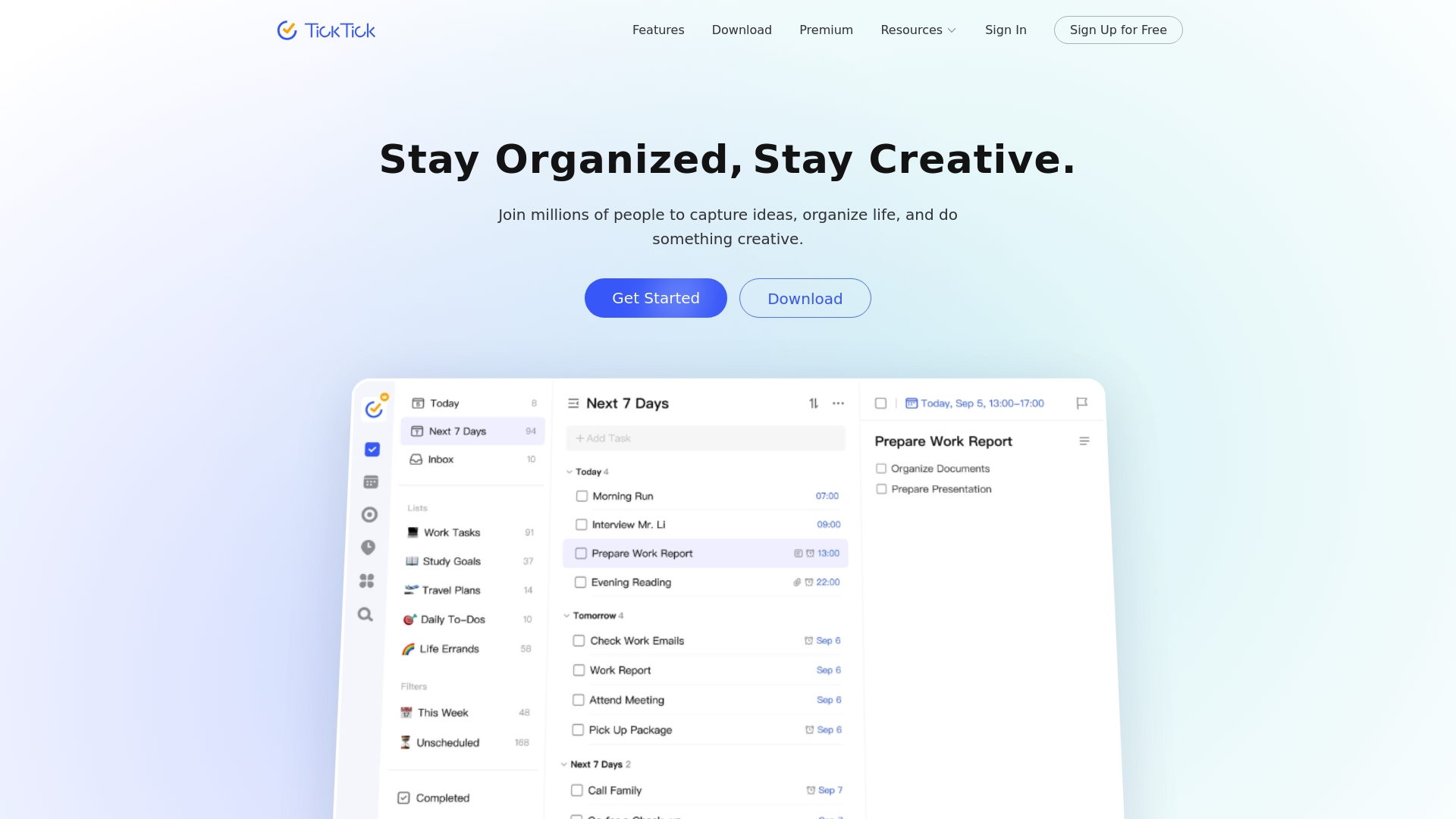
TickTick is an all-in-one task management app that combines to-do lists, rich calendar views, habit tracking, and a Pomodoro timer into a single, cross-device workspace. It helps you capture ideas, prioritize work with tools like the Eisenhower matrix and Kanban, and keep focus with built-in timers. For individuals and small teams who want a compact but feature-rich productivity hub, TickTick strikes a strong balance between functionality and simplicity. Expect a short learning curve if you explore its deeper customization and collaboration features.
Core Features
TickTick’s core capabilities center on flexible task organization and time management: traditional to-do lists, calendar views (monthly, weekly, daily, agenda), and rich planning modes such as Kanban, timeline, and an Eisenhower matrix. It also includes a Pomodoro timer for focused sessions, a habit tracker to build routines, smart time recognition and input filtering for quick entry, repeat reminders with custom rules, keyboard shortcuts, list sharing and collaboration, subscription to external calendars, task statistics and progress tracking, themes for personalization, and seamless cross-platform sync across phones, tablets, and computers.
Pros
- Comprehensive feature set in one app: TickTick combines tasks, calendar, habits, and a Pomodoro timer so you don’t need separate tools to manage daily work and routines.
- Cross-device real-time sync: Changes on one device appear on others instantly, which keeps your workflow continuous whether you’re on a phone, tablet, or desktop.
- Multiple planning views for prioritization: Calendar, Kanban, timeline, and Eisenhower matrix views give clear visual options for planning and prioritizing work.
- Collaboration and sharing: You can share lists and collaborate on tasks, which helps small teams coordinate without complex setup.
- Customizable interface and themes: Personalization options let you tailor the experience to your workflow and visual preferences.
Cons
- May have a learning curve due to extensive features: New users can feel overwhelmed when they first encounter the range of views, timers, and customization options.
- Some advanced features require a premium subscription: Certain capabilities such as advanced reminders, additional themes, or enhanced statistics are gated behind the paid plan.
- Interface could be overwhelming for newcomers: The dense feature set can make initial navigation feel cluttered until you streamline the layout to your needs.
Who It’s For
TickTick is ideal for individuals and small teams who want a single app to manage personal tasks, daily planning, and simple team collaboration. It suits productivity enthusiasts and professionals who value multiple planning views and built-in focus tools without needing enterprise-level complexity.
Unique Value Proposition
TickTick’s unique value lies in packaging diverse productivity tools—task lists, calendar planning, habit tracking, and Pomodoro focus—into a single, synced experience across devices, with multiple visual planning modes like the Eisenhower matrix for prioritization.
Real World Use Case
A user organizes daily tasks, sets reminders for appointments, tracks habits like exercise, and uses the Pomodoro timer for focused work blocks while sharing project lists with a small team; all items stay synchronized across phone, tablet, and desktop.
Pricing
Free version available with an optional premium subscription for additional features.
Website: https://ticktick.com
Task Management Tools Comparison
Here is a comprehensive comparison of popular task management tools. This table summarizes their core features, pros, cons, pricing, and ideal user scenarios to help you choose the best platform for your needs.
| Product | Features | Pros | Cons | Pricing |
|---|---|---|---|---|
| TaskQuadrant | Eisenhower Matrix, Mind Maps, Gantt Charts, Automation | Rapid onboarding, Visual interface, Multiple tools in one | Higher-tier features may be required for full use | Free, Pro $4.99/mo, Enterprise $9.99/mo |
| Todoist | Natural language input, Custom filters, Recurring tasks | Fast capture, Clear views, Team collaboration | Features restricted on free plan, Learning curve for advanced customization | Free, Pro $5/mo, Business $8/mo |
| ClickUp | Project tracking, AI tools, Time tracking, Dashboards | All-in-one platform, Broad features, AI-powered tools | Can be overwhelming, Setup time required | Free, Paid plans start at $7/user/mo |
| Asana | List/Board view, Automation, Resource management, Reporting | Comprehensive features, Strong integrations, Goal tracking | High cost for larger teams, Complex for small teams | Free, Starter $10.99/user/mo, Business $24.99/user/mo |
| Trello | Kanban boards, Automation, Power-Ups, Activity logs | Intuitive interface, Flexible plans, Strong integrations | Advanced features in paid plans, Limited storage on free tier | Free, Standard $5/user/mo, Premium $10/user/mo |
| Monday.com | Custom workflows, AI insights, Cross-functional support | Customizable, AI capabilities, Enterprise-ready | Pricing complexity, Overwhelming for small teams | Free, Paid plans vary by team size |
| To Do | Task prioritization, Voice commands, Microsoft integration | Easy integration, Voice-driven, Cross-device accessibility | Limited features, Dependence on Microsoft ecosystem | Free |
| TickTick | Task lists, Calendar views, Pomodoro timer, Habit tracking | All-in-one app, Real-time sync, Collaboration and sharing | Learning curve, Some features require premium plan | Free, Premium subscription available |
Prioritize Smarter and Work More Efficiently with TaskQuadrant
The “Best 8 Task Management Software Comparison – Expert Review 2025” highlights common challenges professionals face including decision fatigue, complex setups, and juggling multiple planning tools. If you are struggling to organize your workload and find clarity in urgent versus important tasks, you are not alone. The article emphasizes the power of the Eisenhower Matrix to simplify prioritization and reduce overwhelm — a core strength of TaskQuadrant. Our platform uniquely combines this matrix with visual mind maps and Gantt charts to help you turn ideas into actionable projects effortlessly.
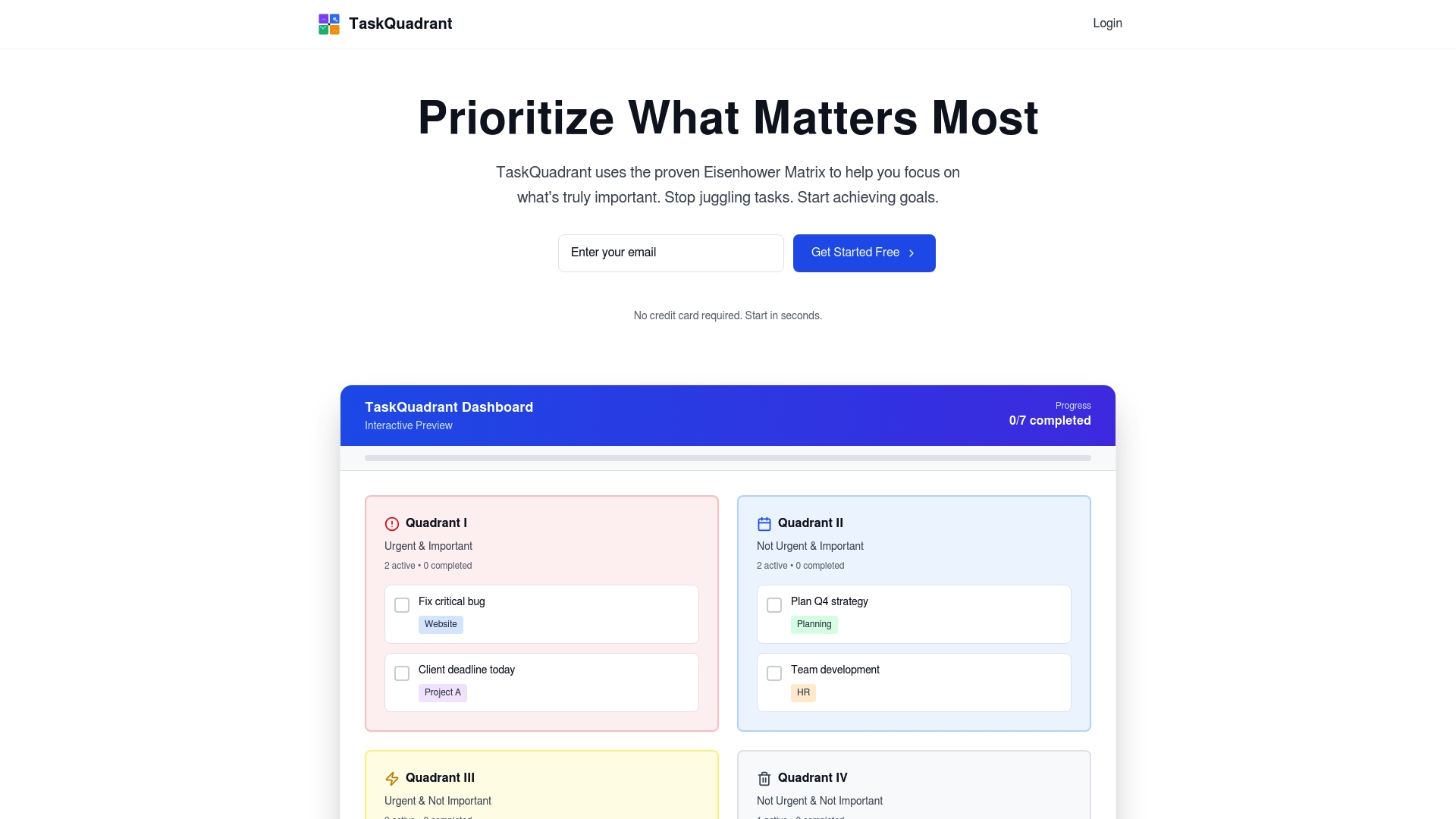
Take control of your productivity now by exploring how TaskQuadrant delivers rapid onboarding, automated recurring tasks, and visual dashboards that keep your goals in clear focus. Whether you are an individual professional or part of a growing team, TaskQuadrant offers flexible plans tailored to your needs. Visit TaskQuadrant.io to start prioritizing effectively. Learn more about our approach to the Eisenhower Matrix and discover how our project organization features can transform your workflow today.
Frequently Asked Questions
What are the main features to look for in task management software?
To ensure efficient project tracking, prioritize software that offers key features like task prioritization, time tracking, and collaboration tools. Evaluate your team’s specific needs and select software that includes features relevant to your workflows, such as Gantt charts or Kanban boards.
How can task management software improve team productivity?
Task management software enhances team productivity by centralizing task organization and reducing communication friction. Implement visual tools like dashboards and calendars within the software to help team members stay aligned on deadlines and project status.
What should I consider when choosing a task management tool for my team?
Consider factors such as team size, project complexity, and budget when selecting a task management tool. Analyze compatibility with existing workflows and evaluate trial versions to assess which software best meets your team’s specific requirements.
How do I transition my team to a new task management software?
To transition your team, first, choose software that allows for quick onboarding with user-friendly interfaces. Schedule training sessions and set clear expectations for implementation, aiming for full adoption within 30–60 days to maximize efficiency and minimize disruptions.
Are there free task management tools that my team can use?
Yes, many task management tools offer free versions with essential features suitable for small teams or personal use. Test out different options to find a tool that provides basic functionality without cost before considering paid plans for advanced features.
How can I assess the effectiveness of a task management tool?
To assess effectiveness, regularly gather feedback from your team about the software’s usability and impact on their workflows. Monitor key metrics like project completion rates and time savings, aiming for noticeable improvements, such as a ~20% increase in task efficiency after the first few months.
Leave a Reply